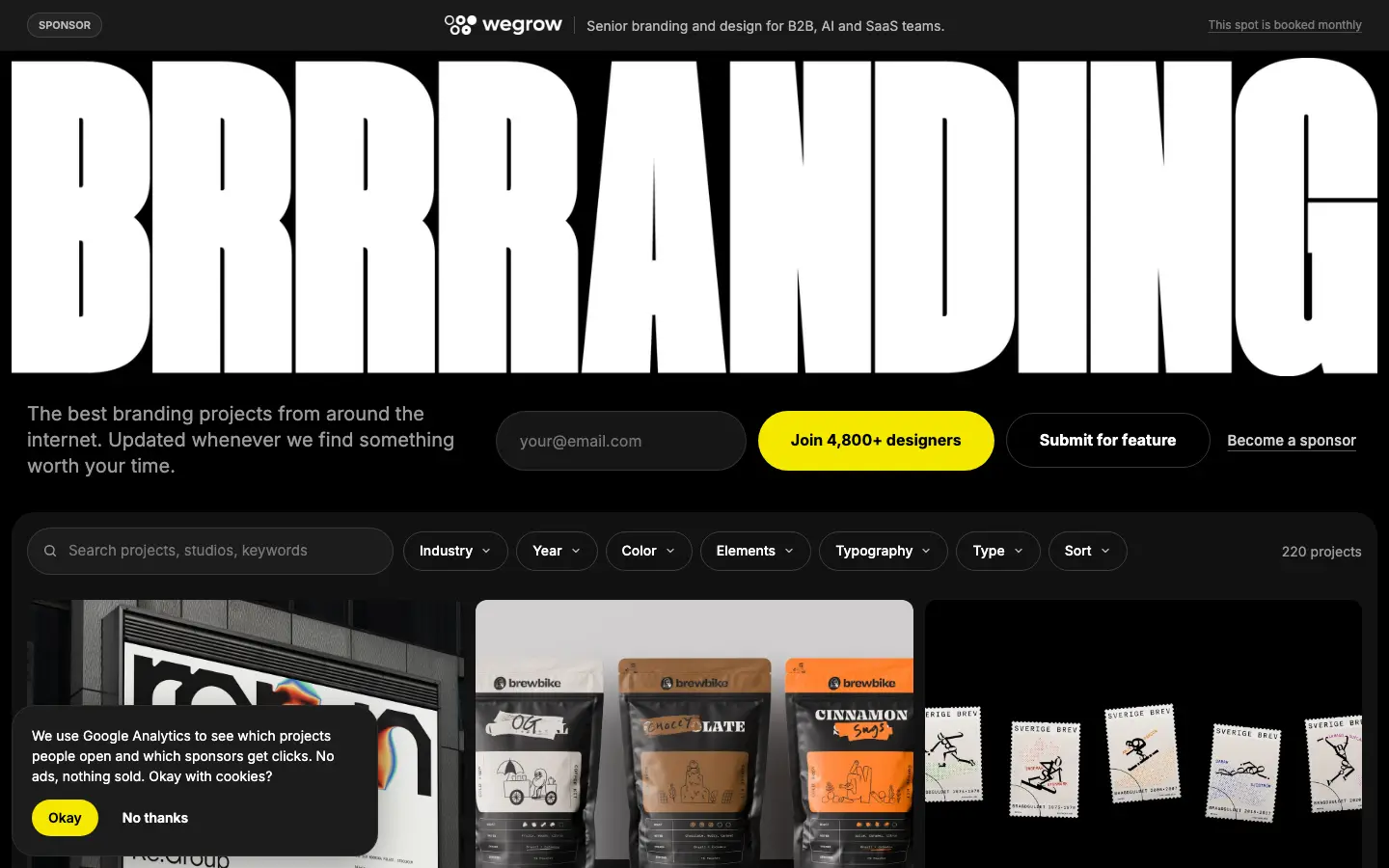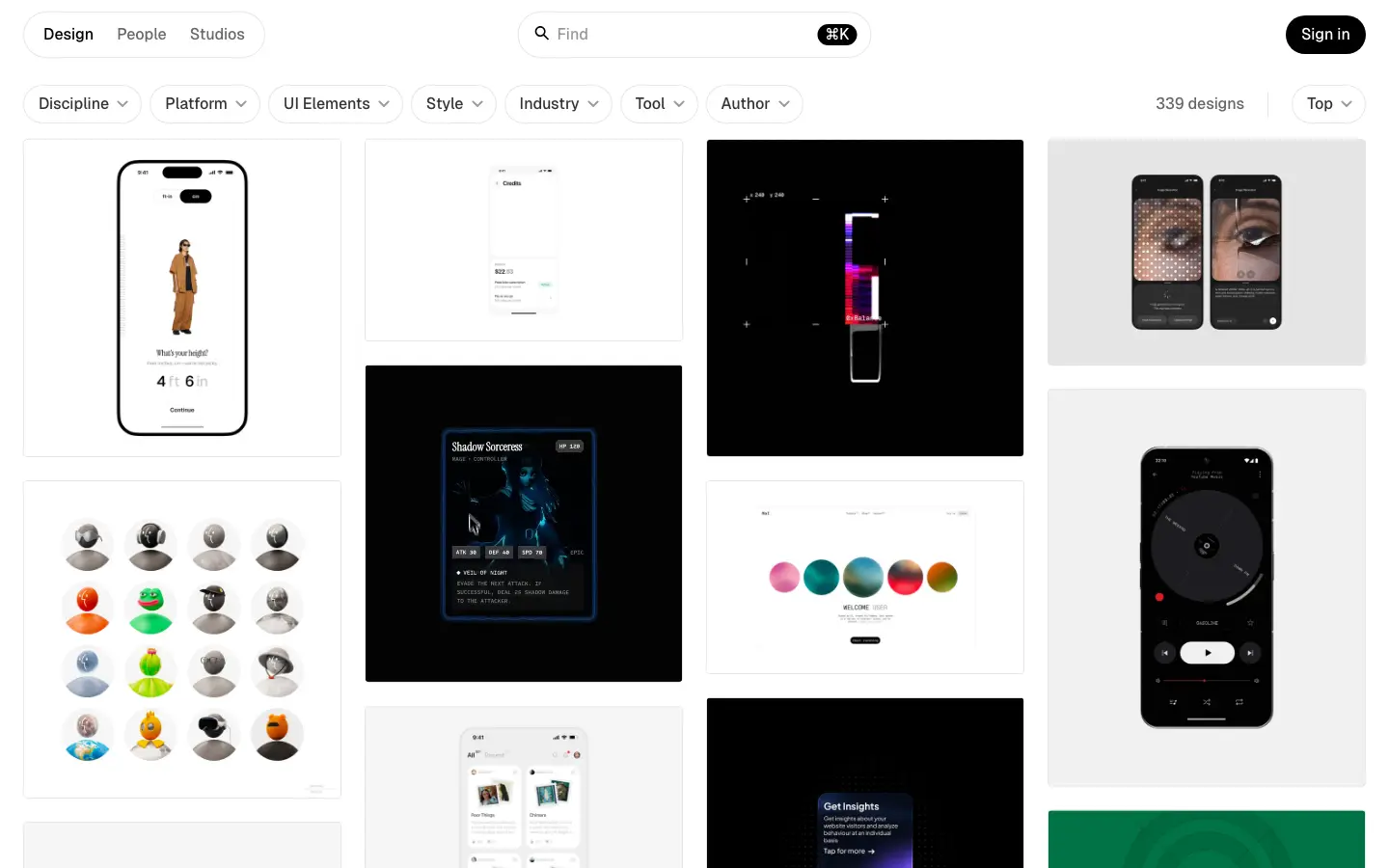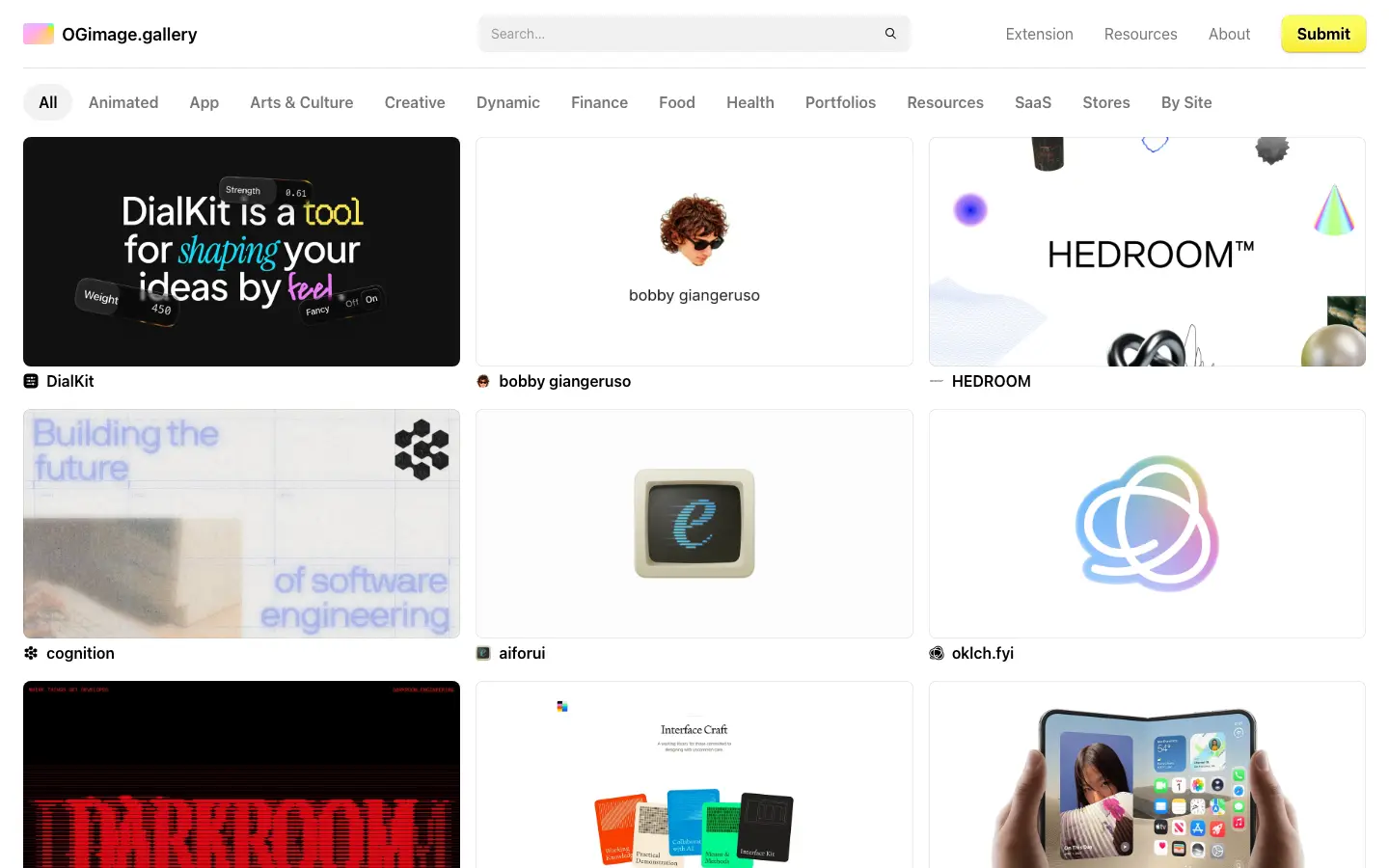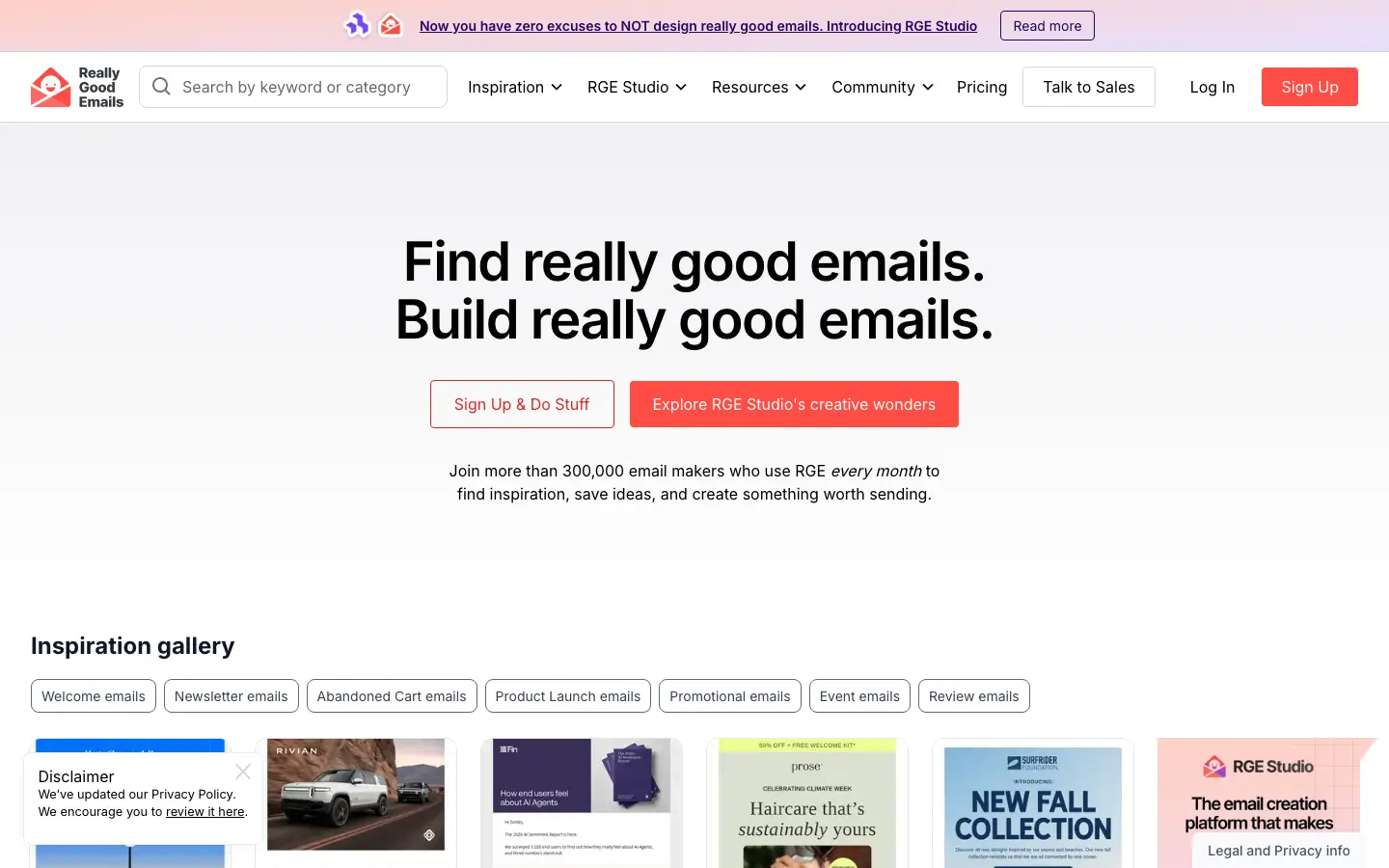


MCP. Tangent, inside your AI agent.
Add Tangent to your agent
What your agent can do
Ten tools, all read-only. Your agent picks the right one for the job.
search_resourcesSearch the catalogue for whatever you’re after.
find_inspirationDescribe what you’re designing; get references and why each fits.
get_resourceEverything Tangent knows about one site.
related_resourcesA site’s tangents, with the reason for each.
list_patternsEvery pattern Tangent files sites under.
get_patternThe sites that show one pattern off best.
list_peopleThe design engineers in the catalogue.
search_peopleFind someone by name, focus or stack.
get_personOne person’s profile, stack and work.
browse_verticalOne section at a time: Inspiration, Build and the rest.
Try asking
“Find three command menus worth studying and tell me what they have in common.”
“Follow the tangents from Stripe and explain why each one is related.”
“Show me the Empty State pattern with its best examples before I design ours.”
“Which design engineers are known for motion? Link their best work.”
- Look, don’t touch
- Published sites only, never drafts or your bookmarks
- 60 requests a minute, plenty for a curious agent